Guides
16 guides · For beginners and advanced developers
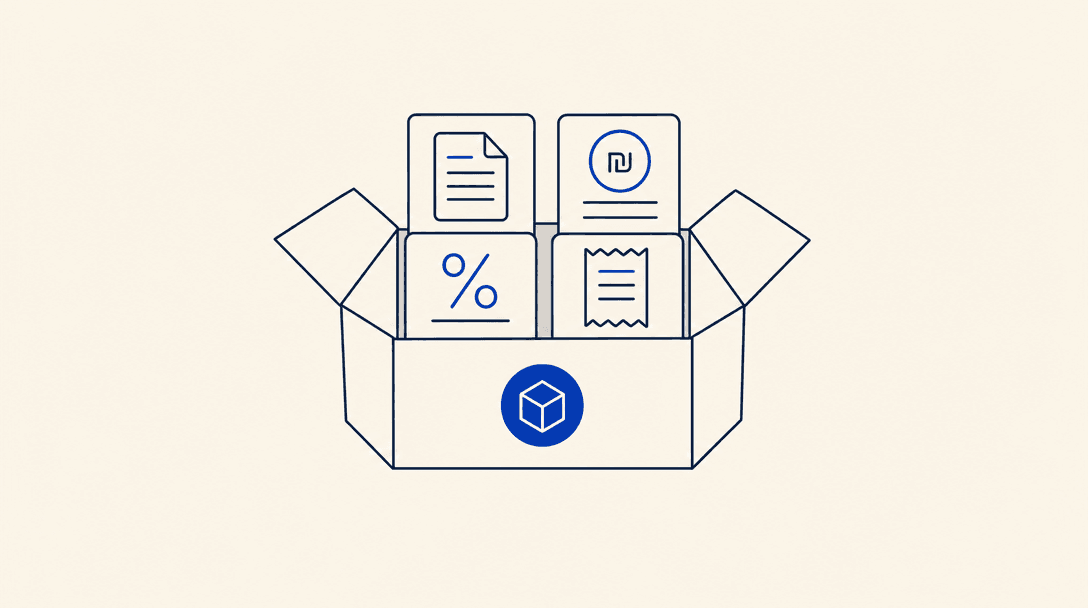
How to Install a Skill Bundle
A non-technical guide to installing a skill bundle: download one ZIP that holds a ZIP per skill, extract it, and upload each skill to Claude.ai, Claude Desktop, ChatGPT, or Manus. Includes what a bundle is.

GitHub Verification: 5 Things Your Repo Needs Before Submitting
A practical checklist for skill creators: how to pass the 5 Critical security signals we check on every repo before publishing, with copy-paste instructions for each
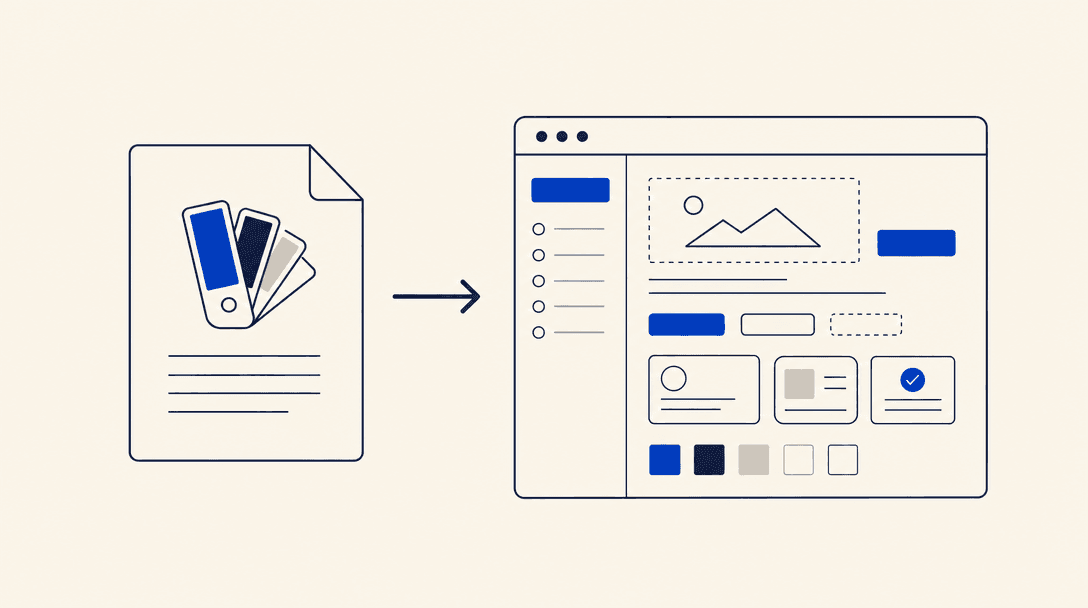
How to Use DESIGN.md
What DESIGN.md is, how to drop a design system from the gallery into your project, and how to connect it to your coding agent (CLI or direct download).
How to Update a Skill: CLI vs ZIP
Update an installed skill on any AI tool: via the Skills IL CLI, or by downloading and re-uploading a ZIP on Claude.ai, Claude Desktop, ChatGPT, and Manus.
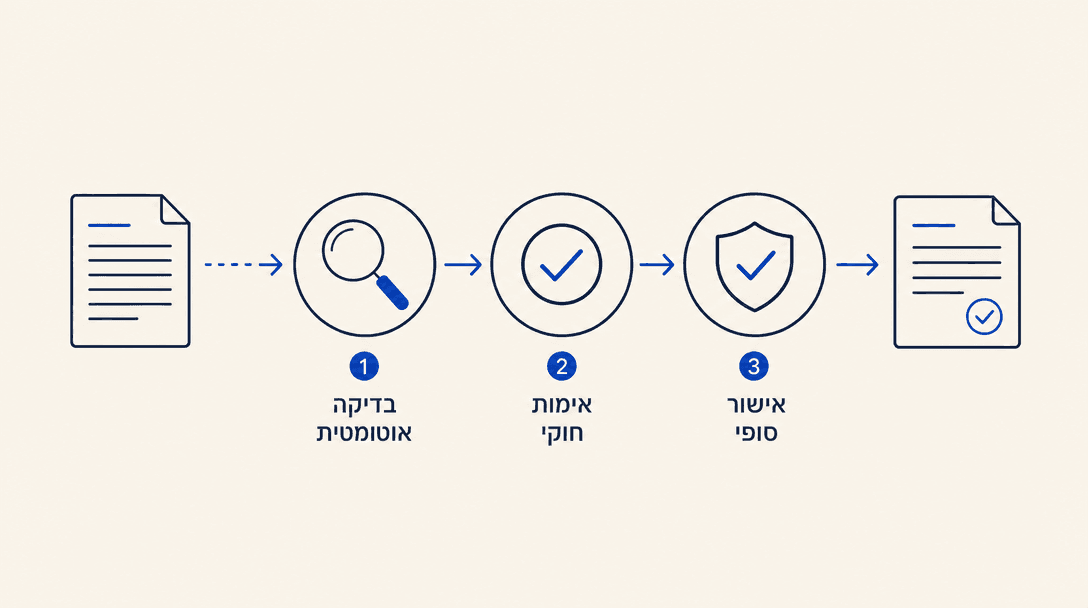
How We Validate Skill Content: Fact-Checks, Meta-Skills, and Human Review
A detailed look at the layers of content validation we run when we touch a skill: per-skill fact-checks at update time, an independent LLM judge that verifies against live sources, domain-expert simulation, human review, and our roadmap for expert verification

Trust Score: How It Works and How to Improve It
A detailed guide to the Skills IL trust score: how it is calculated, what lowers it (security scanners, permissions, maintenance, GitHub Verification), and how to raise it. Includes trust-tier definitions.
How to Use AI Skills (No Coding Required)
A fully non-technical guide: install and run AI skills in Claude.ai, Claude Desktop, ChatGPT, and Manus by uploading a ZIP file. No terminal, no coding, just chat interfaces.

How We Secure Your Chatbot Experience
Every skill chat on Skills IL is end-to-end encrypted. Discover the 6 security layers that keep your data safe while chatting.
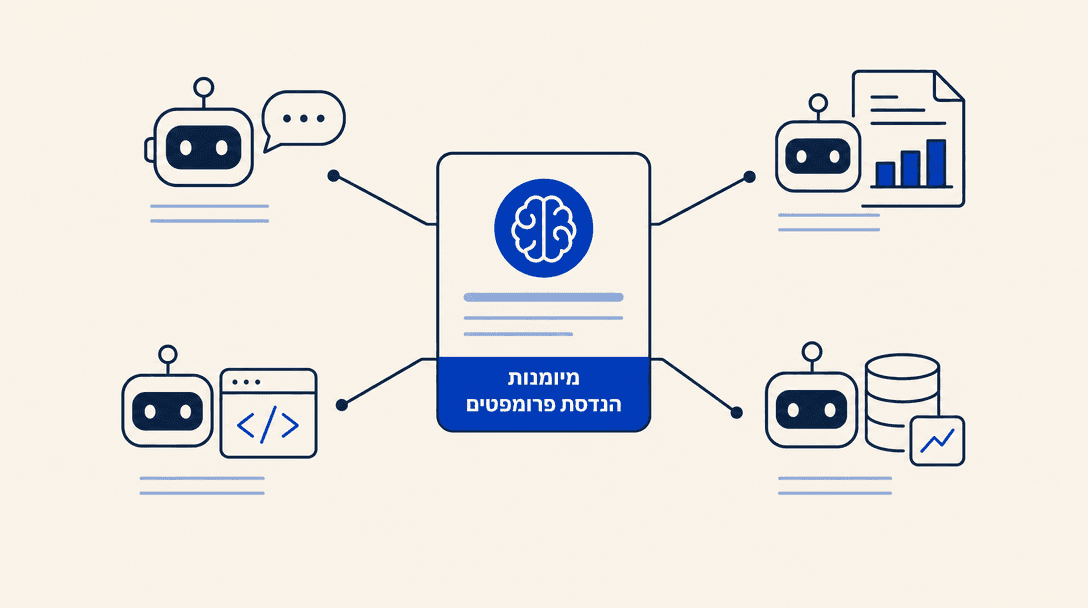
Multi-Agent Compatibility: How Skills Work Across Agents
A comprehensive guide to writing portable skills that work across every AI coding agent: Claude Code, Cursor, GitHub Copilot, Windsurf, OpenCode, Codex, OpenClaw, and Antigravity, with per-agent notes.
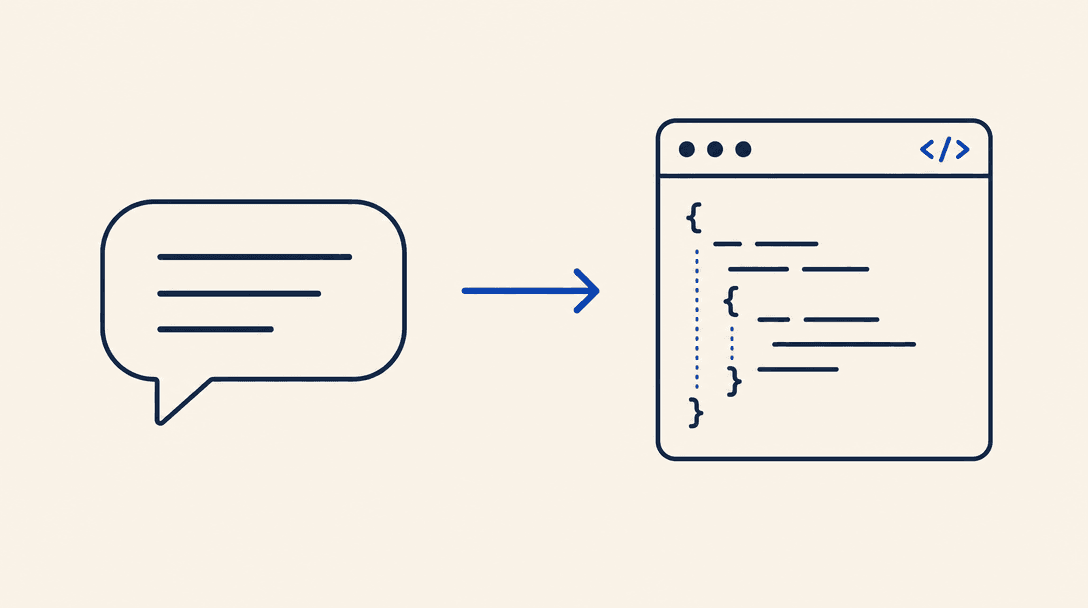
Vibe Coding Guide - AI-Assisted Software Development
Learn what vibe coding is, how to use AI tools like Claude Code and Cursor to write code in natural language, and how skills enhance the workflow
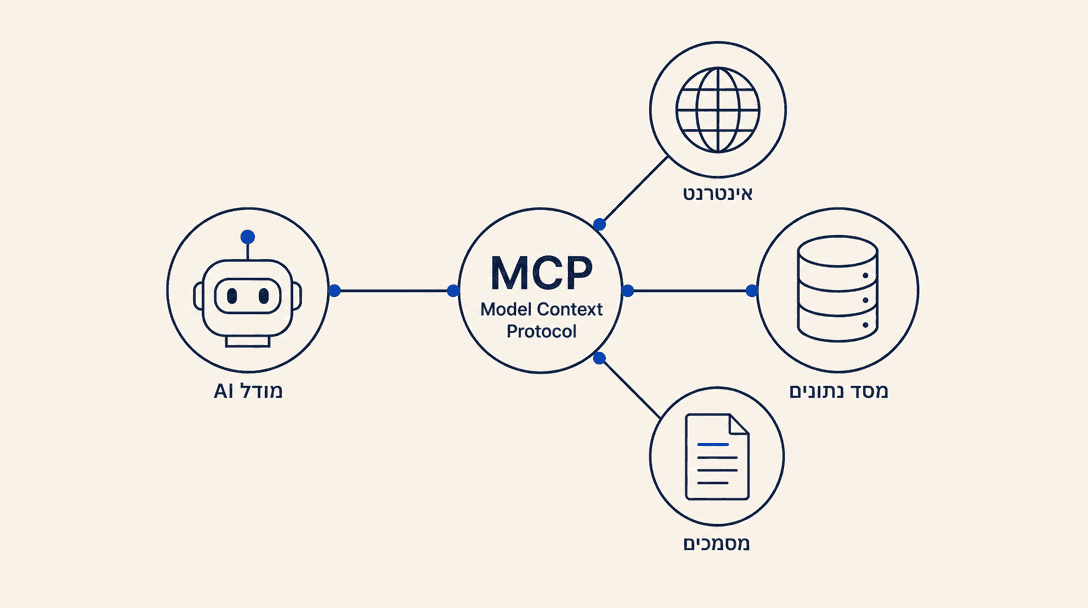
What is MCP? The Complete Guide to Model Context Protocol
The complete guide to Model Context Protocol (MCP) - how MCP works, which AI agents support it, and how to connect to Israeli MCP servers

Security Policy
The complete Skills IL security policy: how we vet skills, calculate trust scores, run automatic scanners (Snyk, Cisco, Tank), and protect Israeli users from supply-chain attacks and prompt injection.
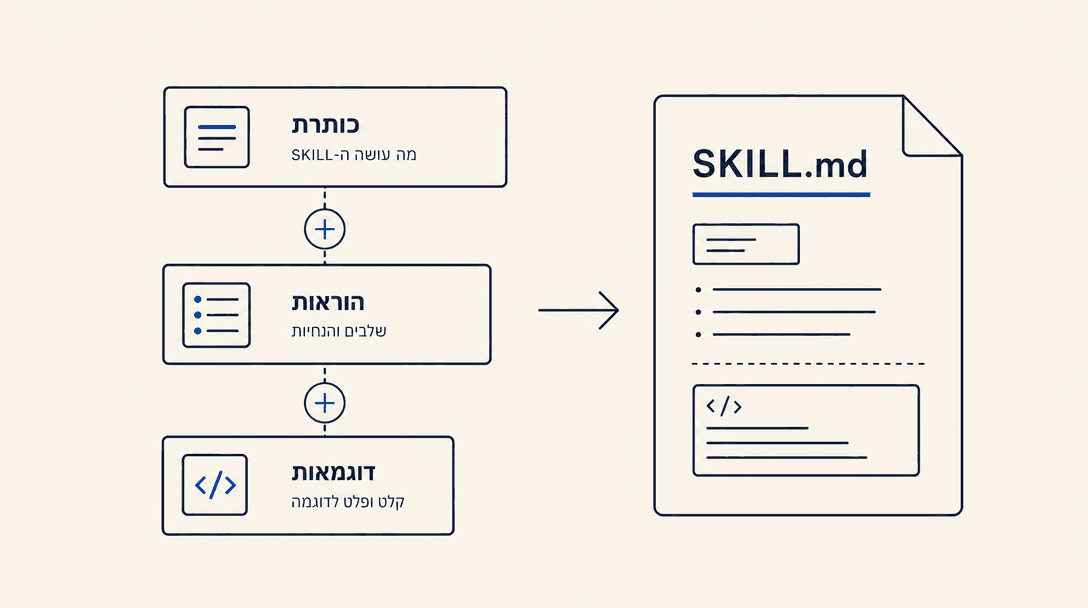
The Complete Guide to Building a Skill
A comprehensive guide to building an AI skill from scratch: folder structure, YAML frontmatter, writing effective instructions, scripts, references, testing, and submission, with examples and patterns.
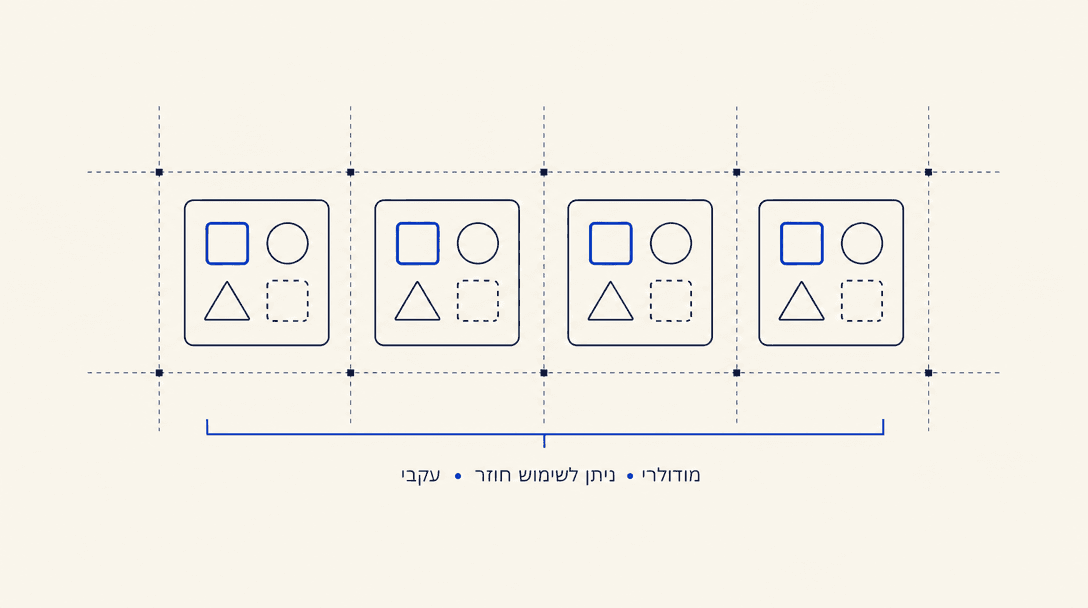
Skill Design Patterns
Five proven design patterns for effective AI skills: workflow orchestration, domain expertise, API wrapper, terminology dictionary, and agent guidance. Real examples from Israeli tax, legal, and health.
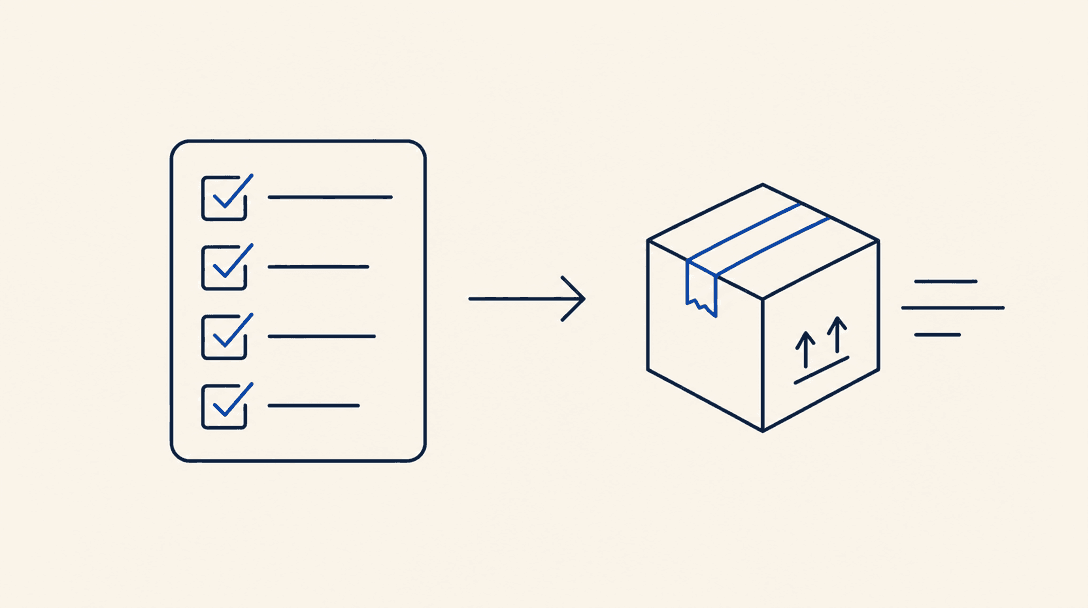
Testing & Distributing Skills
A guide to testing, iterating, and distributing AI agent skills: writing evals, measuring performance, refining the description, semver versioning, GitHub publishing, and common troubleshooting.
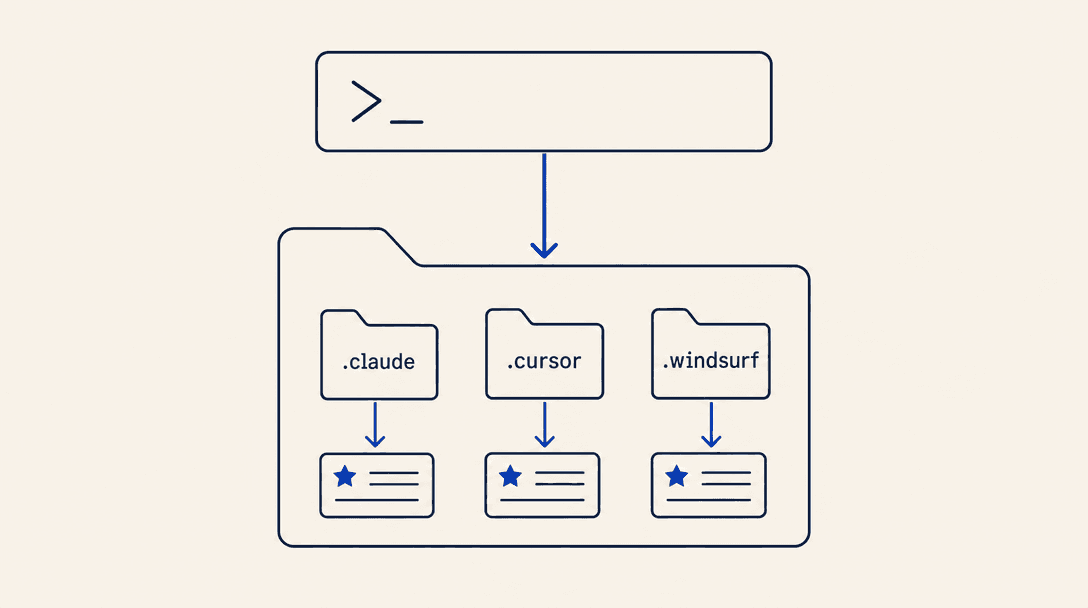
Getting Started Guide
A getting-started guide for Israeli AI agent skills: how to find, install, and run them in your project with Claude Code, Cursor, GitHub Copilot, Windsurf, OpenClaw, and ChatGPT. Free.