Vibe Coding Guide - AI-Assisted Software Development
Learn what vibe coding is, how to use AI tools like Claude Code and Cursor to write code in natural language, and how skills enhance the workflow
What is Vibe Coding?
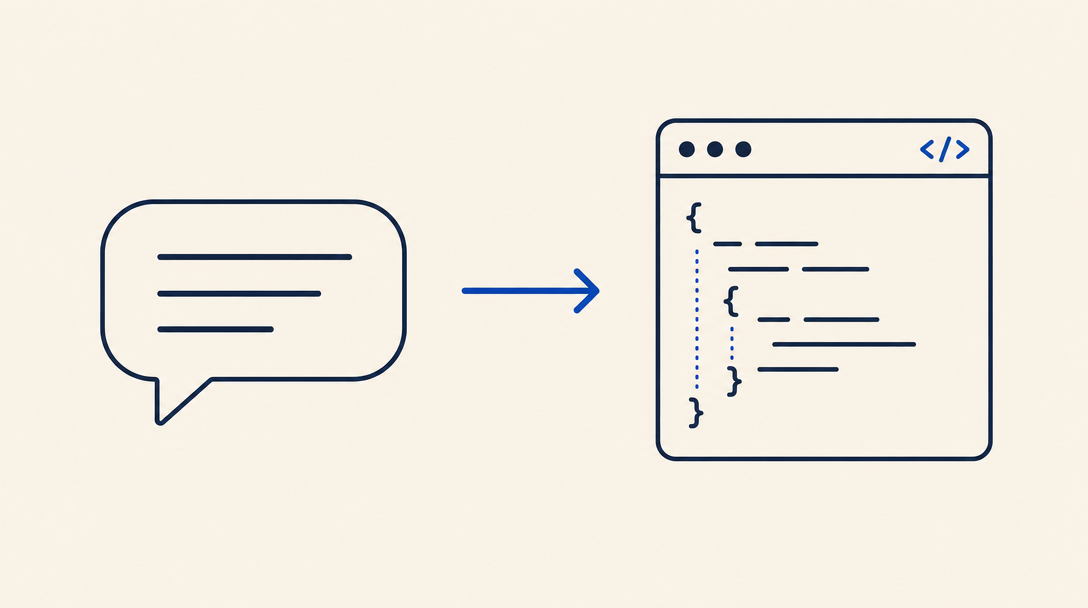
Vibe coding is a new approach to software development where instead of writing code manually, you describe what you want in natural language and an AI agent writes the code for you. The term was coined by Andrej Karpathy, co-founder of OpenAI, in February 2025, and has since become a real movement in the developer community.
The idea is simple: instead of focusing on syntax and technical details, you focus on what you want to build. The agent handles the how.
Quick Example
Instead of writing:
const response = await fetch('/api/users', {
  method: 'POST',
  headers: { 'Content-Type': 'application/json' },
  body: JSON.stringify({ name, email }),
});
if (!response.ok) throw new Error('Failed to create user');
return response.json();
You tell the agent:
"Create a function that sends a POST request to the users API with name and email, with error handling"
And the agent writes, runs, and tests the code itself.
How it Works
The vibe coding process is based on an iterative loop:
1Describe
You describe the task in natural language.
2Generate
The agent writes the code.
3Run
The agent runs the code and checks it works.
4Fix
If there is an error, the agent fixes it and tries again.
5Improve
You request changes or improvements, and the cycle repeats.
The more precise your description, the better the result. But even a general description can yield good results, because the agent learns from the existing code in your project.
Key Tools
Claude Code
Claude Code is an AI agent that runs directly in your terminal. It reads your entire project, writes code, runs commands, and fixes errors on its own.
# Installation
npm install -g @anthropic-ai/claude-code

# Start in your project directory
claude
Why Claude Code is great for vibe coding:
- Understands your entire project structure
- Runs code and checks results autonomously
- Supports skills that extend its capabilities
Cursor
Cursor is a code editor (IDE) based on VS Code with built-in AI. It combines smart code completion with the ability to edit multiple files simultaneously.
Why Cursor is great for vibe coding:
- Familiar visual interface
- Multi-file editing in parallel
- Real-time code completion
GitHub Copilot
GitHub Copilot works as an extension for VS Code and other editors. It excels at line-by-line code completion and writing complete functions.
Windsurf
Windsurf is another IDE with built-in AI, emphasizing a smooth flow between manual editing and AI-assisted work.
Codex
Codex by OpenAI runs an AI agent in the cloud that performs development tasks autonomously and opens pull requests automatically.
Skills that Enhance Vibe Coding
Skills are sets of instructions that teach your AI agent how to handle specific tasks. Instead of re-explaining your preferences in every conversation, a skill teaches the agent once.
Examples of skills that improve vibe coding:
- Localization skills - Teach the agent to write code with Hebrew and RTL support
- Security skills - Ensure generated code meets security standards
- Testing skills - Teach the agent to write and run tests automatically
- Development skills - Define code rules, architecture, and workflows
Browse our skills directory to find skills that fit your project. Every skill installs with a single command:
npx skills-il add skills-il/developer-tools --skill your-skillTips for Beginners
6Start with Clear Tasks
Begin by giving the agent well-defined tasks:
- "Create a React component that displays a user list with search"
- "Add validation to a registration form with error messages"
- "Write an API endpoint that returns weather data from IMS"
7Provide Context
The more the agent understands about your project, the better the results:
- Mention which framework you are using
- Describe your data structure
- Note important code conventions
8Review the Code
Even if the agent writes excellent code, always:
- Read the generated code
- Run the tests
- Check edge cases
9Use Skills
Skills save time because they teach the agent your rules upfront. Instead of repeating the same instructions, install a skill once.
10Work in Steps
Big project? Break it into small tasks. Ask the agent to do one thing at a time, and check the result before moving on.
Limitations and Challenges
Vibe coding is a powerful tool, but it is important to know its limitations:
When Vibe Coding Works Great
- New projects with familiar patterns (CRUD, API, UI)
- Repetitive tasks (creating components, writing tests)
- Quick prototypes and MVPs
- Learning new technologies
When to Work Manually
- Complex algorithms with unique business logic
- Low-level performance optimization
- Working with legacy systems with little documentation
- Critical architecture decisions (use AI for advice, but decide yourself)
An Interesting Study
A 2025 study showed that experienced developers working on familiar codebases were actually slower with AI tools compared to manual work. The reason: the time spent reviewing and fixing generated code exceeded the time saved. The takeaway: vibe coding is most effective when working with new or unfamiliar code.
Next Steps
- Install an AI agent - Claude Code, Cursor, or another tool
- Browse the skills directory - Find skills that match your project
- Read the getting started guide - Getting Started
- Try on a small project - Start with a simple task and learn the process