How to Install a Skill Bundle
A non-technical guide to installing a skill bundle: download one ZIP that holds a ZIP per skill, extract it, and upload each skill to Claude.ai, Claude Desktop, ChatGPT, or Manus. Includes what a bundle is.
A bundle is a shortcut: instead of finding and installing several skills one by one, you download a set we already assembled for a whole workflow and upload it to your AI tool. This guide assumes no coding knowledge.
What is a bundle?
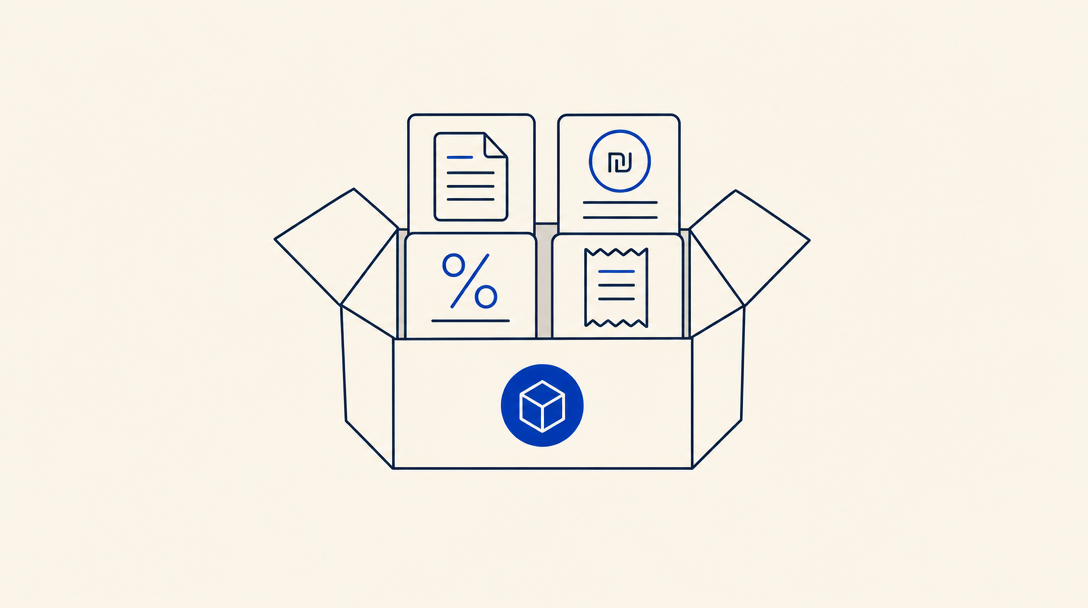
A bundle is a set of several skills we assembled together to cover a whole workflow, not just one task. For example, the freelancer-accountant bundle includes an invoicing skill, a VAT-reporting skill, an exempt-dealer skill, and a receipts skill, so a freelancer gets everything they need in a single install.
The difference between a bundle and a single skill:
- A single skill is one unit: install it, get one capability.
- A bundle is 3 to 7 skills that fit together. We pre-pick them by persona (freelancer, lawyer, Israeli startup) so they work well as a set.
First time? It helps to read the single-skill install guide first. A bundle works exactly the same way, just with several skills instead of one.
What you need to start
Just two things:
- An AI tool you chat with: Claude.ai, Claude Desktop, ChatGPT, or Manus
- A browser to visit the bundle library
1Pick a bundle
Browse the bundle library and pick one that fits you. Each bundle is built around a persona or domain, and its page lists exactly which skills it includes.
2Download the bundle
On the bundle page, click "Download ZIP". You get a single file, but with one small twist worth understanding.
A bundle arrives as a "ZIP that contains more ZIP files", one per skill. Chat tools can only take one skill at a time, so you first extract the main file, then upload each inner file separately.
How to extract:
- Right-click the file you downloaded and choose "Extract" or "Open".
- Inside the new folder you will find several small ZIP files, one per skill in the bundle (for example green-invoice.zip, tax-vat-reporting.zip).
- Each inner file is a skill ready to upload. These are the files you upload in the next step.
3Upload each skill into your tool
Now upload the inner files, one by one, into the tool you use. Pick your tab:
First enable Code execution and file creation under Settings → Capabilities (skills will not work without it).
- Go to claude.ai, and in the menu click Customize → Skills
- Click +, then + Create skill, then Upload a skill
- Upload the first inner ZIP file
- Repeat steps 2 and 3 for each inner file (a bundle with 5 skills = 5 uploads)
- Open a new conversation, and the skills load on their own when needed
Here too, first enable Code execution and file creation under Settings → Capabilities.
- Open the Claude Desktop app and go to Settings → Capabilities → Skills
- Click Upload skill and upload the first inner ZIP file
- Repeat step 2 for each inner file in the folder
- Close settings and open a new conversation
Skills support in ChatGPT is for organization accounts only: Enterprise and Edu. It is in beta, and your organization's admin must enable it. Personal plans (Free, Go, Plus, Pro) are not supported right now.
- In the workspace settings, go to Skills (after the admin enabled the capability)
- Upload the first inner ZIP file and approve the permissions
- Repeat step 2 for each inner file in the bundle
- Open a new conversation
- Go to manus.im, and in the side menu click the Skills tab
- Click + Add → Upload a skill and upload the first inner ZIP file
- Repeat step 2 for each inner file in the bundle
- In a new conversation, type "/" to see the installed skills
In every chat tool you upload each skill separately. If you miss one inner file, some of the bundle's capabilities simply will not be available. After uploading, confirm all the skills appear in the list.
4Use the bundle
This is the beauty of a bundle: you do not activate each skill by hand. Just talk to the AI as usual, and it picks the right skill for each request on its own:
- "Create a 1,500 NIS invoice for client X" triggers the invoicing skill
- "When is the next VAT reporting deadline?" triggers the VAT skill
- "What is the difference between an exempt and a licensed dealer?" triggers the relevant skill
Want to feel the bundle before installing? The bundle page has a "Live chat with the skill bundle" button that opens a conversation with all the skills already available, no install needed.
Developers working in a code editor like Cursor or Claude Code: one command installs the whole bundle at once, npx skills-il add-bundle <bundle-name>. The details are in the getting started guide.
Frequently asked questions
Why a ZIP inside a ZIP and not one file?
Because Claude.ai, Claude Desktop, and ChatGPT take one skill at a time, they do not currently support a single "bundle" format. We pack everything in advance, so you download once and upload each skill in the format the platform understands.
Is a bundle better than installing skill by skill?
A bundle saves you work: we already picked which skills complement each other, and everything comes in one download. If we add a skill to the bundle later, you get it on the next install. You can always install each skill separately from the skills library too.
Does a bundle take up a lot of space?
No. Each skill is a small folder of one or two text files. Even a 7-skill bundle weighs less than a megabyte.